STEP 01
Invite your team
Add employees one by one or upload a CSV. Organise them by department and location.
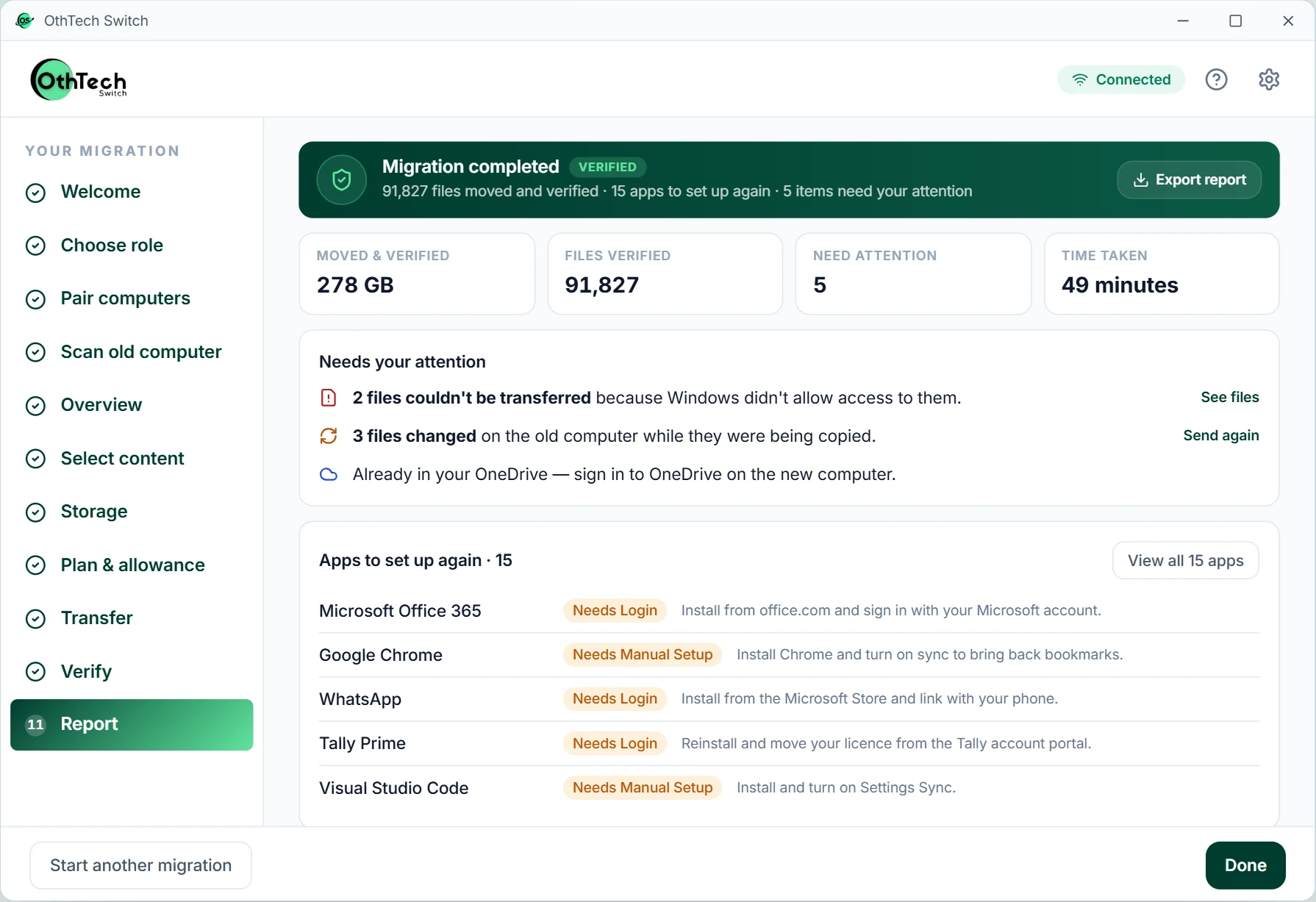
Give every employee a guided migration to their new PC, and give IT one place to see how it's going.
Hardware refresh · Q2
31 / 48
1 dashboard
Employees, devices and licenses
4 roles
Owner, IT Admin, Operator, Viewer
0 file names
Shown to IT or OthTech
CSV · PDF
Reports for your records
App screens from the OthTech Switch preview, with simulated data.
IT sets it up once. Employees move their own files. You get a record of every device.
Add employees one by one or upload a CSV. Organise them by department and location.
Give each employee a migration for their old and new computer. Reassign licenses if plans change.
They sign in with their work account, and the assigned migration loads automatically.
See progress, verification results and anything needing attention. Export CSV or PDF reports.
Interface previews are illustrative; names and figures are examples.
Employees don't need IT standing next to them. Each screen explains itself in plain language.
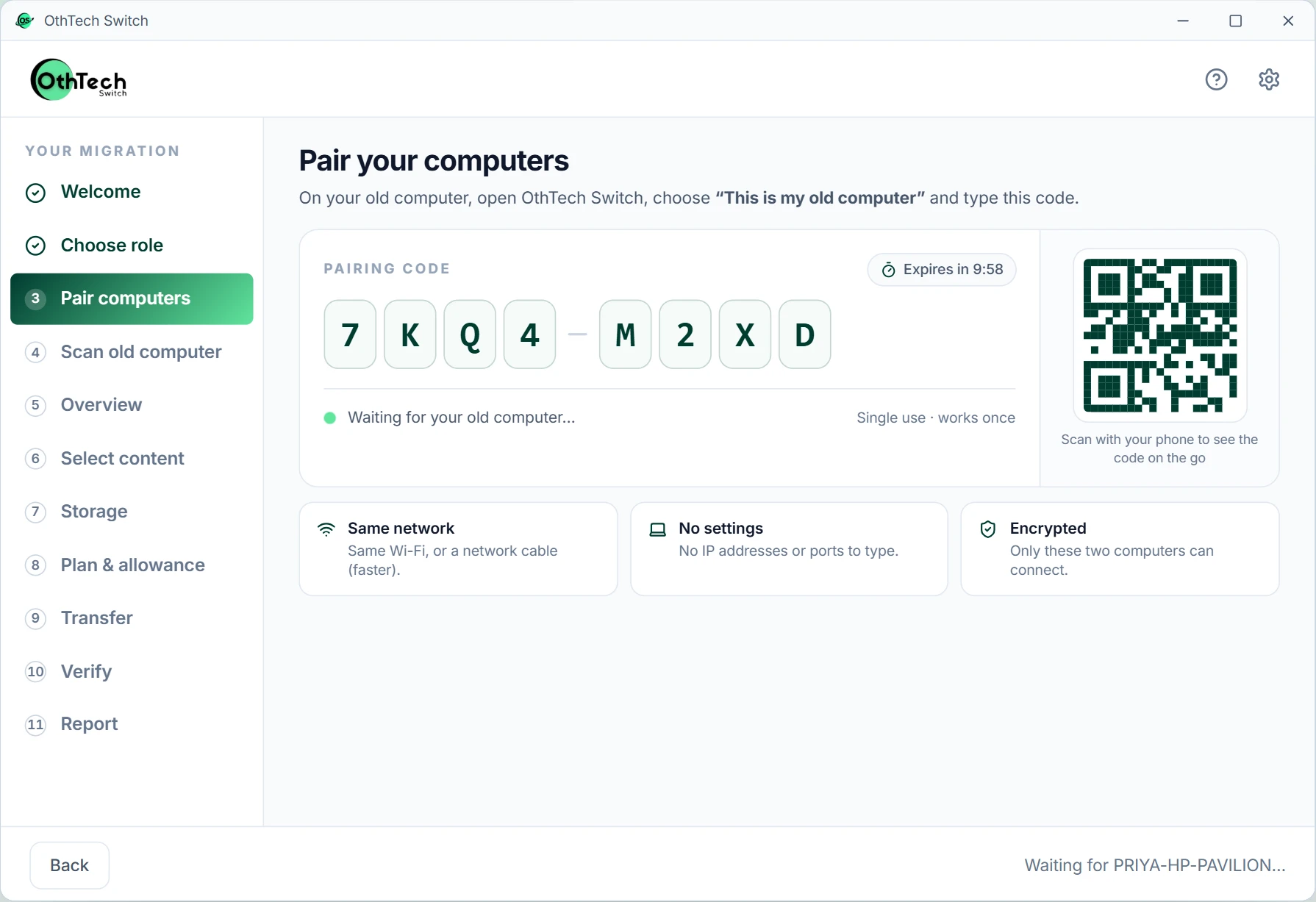
The assigned migration loads when they sign in; pairing is a one-time code between the two machines.
App preview with simulated data.
Everything an IT team needs to run a hardware refresh, and nothing that exposes what's on people's computers.
Employees, devices, licenses and migrations at a glance, with what needs attention first.
Dashboards show counts, sizes and statuses. Nobody sees employees' file names or contents.
Each person sees only what they should.
Every migration ends with an honest verification summary you can keep for your records.
Per-device pricing, GST invoices and purchase-order references for your finance team.
Start with a 5-device pilot before rolling out to the whole company.
New computer. Same digital life.
Tell us how many computers you're replacing and when. We'll help you plan a pilot.
In development at OthTech Solutions, India